Windows 11 AI without buying a Copilot+ PC
Ace uses online AI for voice replies, screen help, and notes, so these features work without a Copilot+ neural processing unit (NPU). The current signed Ace installer is for x64 Windows. Check your PC’s system type before downloading. Free Play includes 2,000 credits.

Free Play: 2,000 credits, no card. Ace by Black Label.

Why PC shoppers confuse Windows AI with NPU hardware labels
Walk down any electronics aisle or read a laptop spec sheet in 2026 and "AI PC" is printed beside processor badges, RAM sizes, and dedicated keyboard keys. That marketing blurs two completely separate things: features computed locally on a neural chip inside the laptop, and cloud-backed assistants that run on ordinary Intel Core, AMD Ryzen, and older Windows machines.
Before spending money on new hardware just to talk to an assistant or ask questions about your screen, it helps to separate what genuinely depends on local silicon from what works right now on a five-year-old desktop or notebook.
- NPU-exclusive Windows features focus on local background image generation, studio webcam blur, and continuous local snapshot indexing.
- Everyday high-value assistant work — reading a dense document, explaining code or spreadsheets on screen, drafting emails, and turning spoken lectures into notes — relies on large frontier models hosted online.
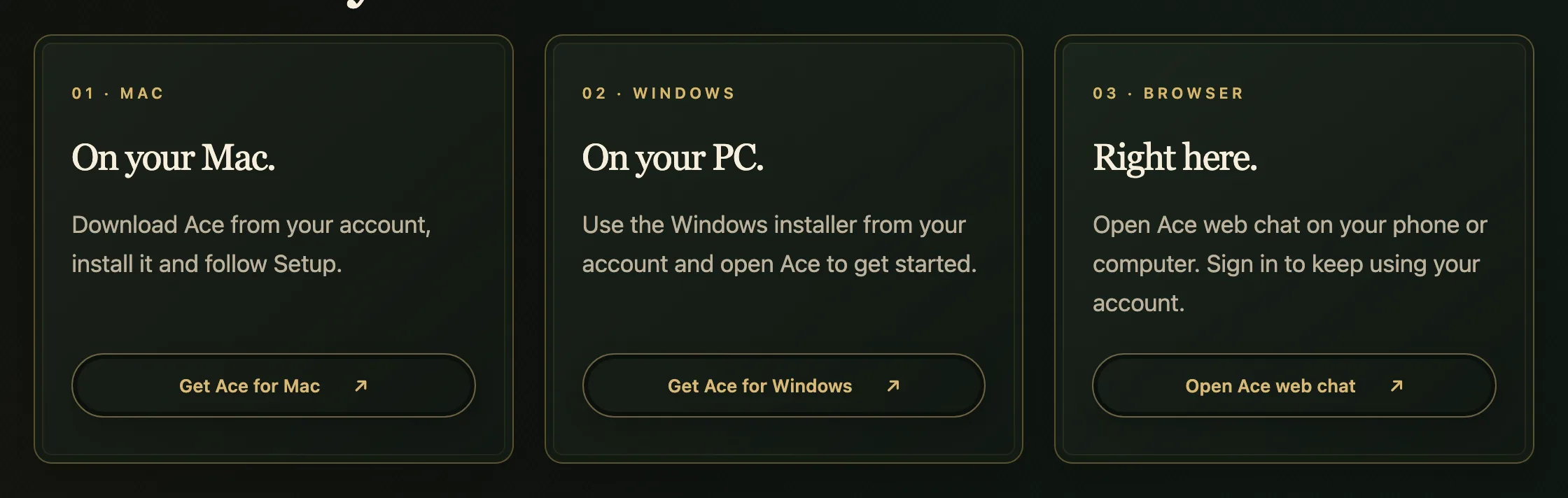
- On a supported x64 Windows PC, Ace sends questions to an online model. Use a microphone for voice and allow screen access when you want help with a window.
Which AI features require a Copilot+ NPU?
The table below breaks down common tasks people look up when deciding whether to upgrade their computer or install software on their current rig.
| Capability on Windows | Requires 40+ TOPS NPU? | How Ace handles it on existing Windows 11 & 10 PCs |
|---|---|---|
| Hold a hotkey and talk out loud | No | Hold Ctrl + Shift on a supported x64 Windows PC and hear spoken answers |
| Ask about the window on screen | No | Captures one frame only when you ask, using standard Windows screen permission |
| Keep notes & flashcards from audio | No | Uses your permitted microphone and shows a full review before saving locally |
| Always-on local timeline snapshots | Yes (Windows Recall) | Not used; Ace never records your screen continuously in the background |
| Connect ChatGPT, Claude or Grok | No | Supported on Ace Table Pass and Private Table using your existing provider subscription |
Setting up Ace on an existing Windows 11 or Windows 10 machine
Open Settings → System → About and check System type. The current signed Ace installer is built for x64. If your PC says ARM64 or runs 32-bit Windows, use Ace in a supported browser. Microsoft documents x64 emulation on Windows on Arm separately.
Microsoft ended standard support for Windows 10 on October 14, 2025. Review Microsoft’s support notice if you still use Windows 10.
- Open the official download for Windows and sign in. Free Play includes 2,000 credits with no card.
- Download the signed installer from your account. Check the Windows build and its SHA-256 checksum in the Ace release record.
- Launch Ace, grant only the Windows permissions you want to use (such as microphone or screen), and hold Ctrl + Shift over any open app to ask your first question.
- Official Ace download for Windows
- Use Ace in the browser
- Ace release record
- Windows on Arm compatibility guide
- Windows 10 support notice
What about coding, PowerShell and cybersecurity work on Windows?
Many Windows power users skip consumer AI sidebars for a different reason altogether: when they ask about firewall rules, packet captures, reverse engineering, or vulnerable source code, mainstream chat interfaces reply with canned safety refusals instead of technical explanations.
For everyday writing, study, spreadsheets, and voice-first screen help on Windows, Ace keeps your workflow moving inside one balance. When you specifically need an engineering and cybersecurity workspace built for direct technical answers, red/blue team research, terminal CLI runs, and MCP IDE tools, Black Label offers Project Utah at aithatsee.com alongside Ace.
Keeping control over bandwidth, privacy and cost
Hosted AI needs an internet connection. Ace runs the AI model online and processes the text and screen content you choose to send with your request.
Start with the 2,000 free credits on Free Play to test voice speed and screen comprehension on your current Windows PC before considering any hardware upgrade.
More from Ace
The full overview of Ace for Windows is on tryacee.com/windows-ai-assistant. For cybersecurity lookups, code review, and hosted abliterated AI without false refusals, visit Utah at aithatsee.com.
Also asked
Can Windows 10 run Ace even without a Copilot key on the keyboard?
On a supported x64 PC, Ace uses Ctrl + Shift for voice. Check your Windows version and system type before installing. For ARM64 and 32-bit Windows, use Ace in a supported browser.
Does Ace download multi-gigabyte AI models onto my C: drive?
No. Ace’s AI is hosted or routed to your own provider subscription on Table Pass or Private Table.
What happens if I revoke screen access in Windows Settings?
Ace continues working for spoken and typed questions, writing, and notes without touching screen frames, and you can re-enable screen permission whenever you choose.
Which Windows AI features actually need a Copilot+ NPU?
Always-on local timeline snapshots in Windows Recall need one, and NPU-exclusive features focus on local background image generation, studio webcam blur and continuous local snapshot indexing. Holding a hotkey to talk, asking about the window on screen and keeping notes and flashcards from audio do not need an NPU.
Will Ace run on a five-year-old or fanless Windows laptop?
Yes, on a supported x64 Windows PC. Check System type under Settings → System → About and review the current Windows release. Ace uses an internet connection for AI responses. Use the browser version on an ARM64 PC or a 32-bit Windows installation.
Does Ace record my screen in the background like Windows Recall?
No. Recall’s always-on local timeline snapshots are not used, and Ace never records your screen continuously in the background. When you ask about the window on screen, it captures one frame only when you ask, using standard Windows screen permission, and you can switch screen access off at any time.
How do I set up Ace on the Windows machine I already have?
Check your PC’s system type under Settings → System → About. On a supported x64 PC, sign in at the official Ace download page for Windows. Before opening the installer, check its Windows build and SHA-256 in the Ace release record. If you use ARM64 or 32-bit Windows, sign in to Ace in your browser.
Does hosted AI mean I need internet every time I ask?
Yes. Hosted AI needs an internet connection when you ask a question. Ace processes the text and screen content you choose to send with your request.
Can Ace keep lecture or meeting notes without an NPU?
Yes. Keeping notes and flashcards from audio does not need a 40+ TOPS NPU: Ace uses your permitted microphone and shows a full review before saving locally. Check the saved result, since names, dates, decisions and negations deserve a second look. If a recording is unavailable, paste your own notes and ask Ace to organize them.
Can I try AI on my current PC before buying new hardware?
Yes. Start with the 2,000 free credits on Free Play to test voice speed and screen comprehension on your current Windows PC before considering any hardware upgrade. Free Play asks for no card, and it does not automatically become a paid subscription: paid access starts only if you choose and confirm a paid checkout.
What does the “AI PC” label on a laptop actually tell me?
It mixes two different things. In 2026, “AI PC” is printed beside processor badges, RAM sizes and dedicated keyboard keys, but that marketing blurs features computed locally on a neural chip inside the laptop with cloud-backed assistants that run on ordinary Intel Core, AMD Ryzen and older Windows machines. Separate what depends on local silicon before spending money on new hardware.
More questions on AI for Windows
Deal yourself in.
More from Black Label
Sources
- Privacy and control over your Recall experience | Microsoft Support, Microsoft Support. Checked November 14, 2026.