Free AI for Windows 11
Yes, several AI assistants are free on Windows 11. Copilot comes on new Windows 11 PCs; ChatGPT, Claude and Gemini each have a Windows app you can use on a free account; and Ace, made by the team that writes this guide, starts with 2,000 free credits and no card. The free tiers differ in usage limits, voice and screen help, so match them to what you do most.

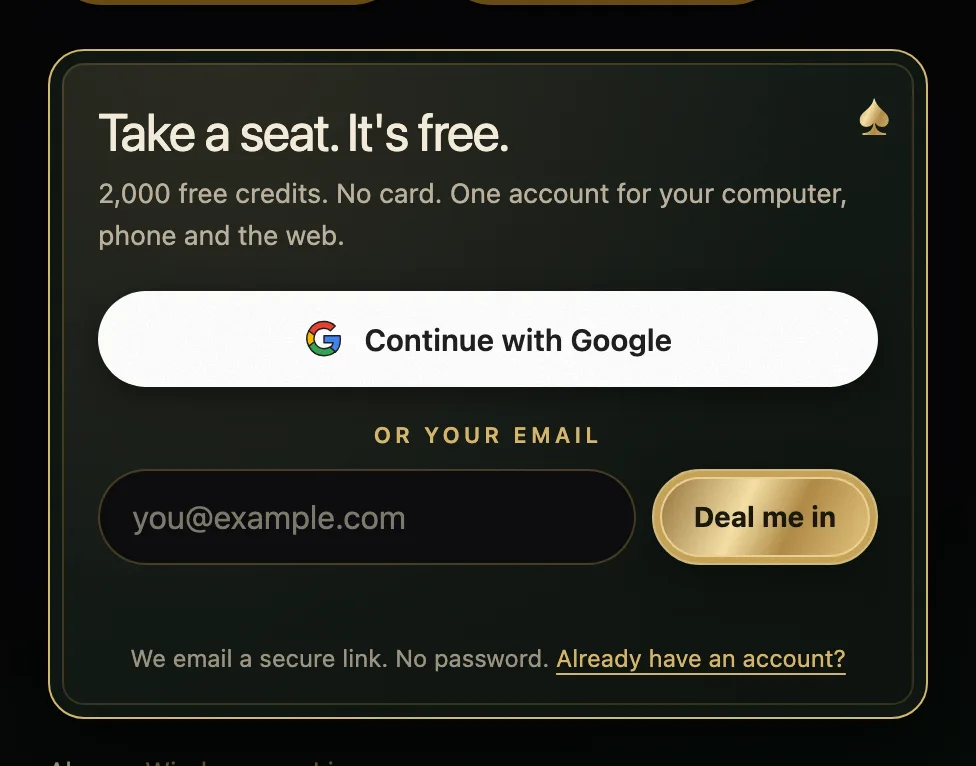
Free Play: 2,000 credits, no card. Ace by Black Label.

The free options side by side
Each option below installs on Windows 11 and works on a free account. Where the maker’s own page names a limit or a requirement, it is listed here; nothing below guesses at future pricing.
| Assistant | What the free tier gives you | Where to get it | Worth knowing |
|---|---|---|---|
| Microsoft Copilot | Chat in the Copilot app; a personal Microsoft account adds chat history, image creation, longer conversations and voice | Included on new Windows 11 PCs, or the Microsoft Store | Microsoft says free use is subject to available capacity and limits |
| ChatGPT | OpenAI says its updated desktop app is available on every plan, including Free | The Microsoft Store listing linked from OpenAI’s Windows page | Quick chat opens with Ctrl + Alt + N |
| Claude | Anthropic lists chat in the desktop app on the Free plan | claude.ai/download; needs Windows 10 or later | Cowork, its task feature, is for paid plans only |
| Gemini | Google’s Windows app, launched on September 10, 2026, opens over any window with Alt + Space | gemini.google/desktop; Windows 10 or later and 8 GB of memory | Needs a Google Account; some features need a Google AI subscription |
| Ace | Free Play: 2,000 credits with no card, voice in and out, and screen help when you ask | Your Ace account at tryacee.com | Credits are spent per request; the AI is hosted, so asking needs internet |
What “free” usually limits
Free tiers rarely remove a feature outright; they cap how much you can use it. Microsoft describes free Copilot use as subject to available capacity and limits, and its Microsoft 365 Personal, Family and Premium plans raise that ceiling. ChatGPT, Claude and Gemini each keep some features for paying customers, such as Claude’s Cowork or the Gemini features Google marks as needing a Google AI subscription.
Ace counts use in credits instead of messages. Each request spends some, and the amount depends on the request, the model and the service; voice and images use credits too. When Free Play runs low you can buy a one-time top-up (Starter is $10 for 5,000 chips, Reload is $50 for 20,000) or pick a monthly plan. Top-ups never repeat on their own.
Downloading a free AI app safely
A search for a free AI download turns up lookalike installers and copies that promise paid features at no cost. Three habits avoid most of them:
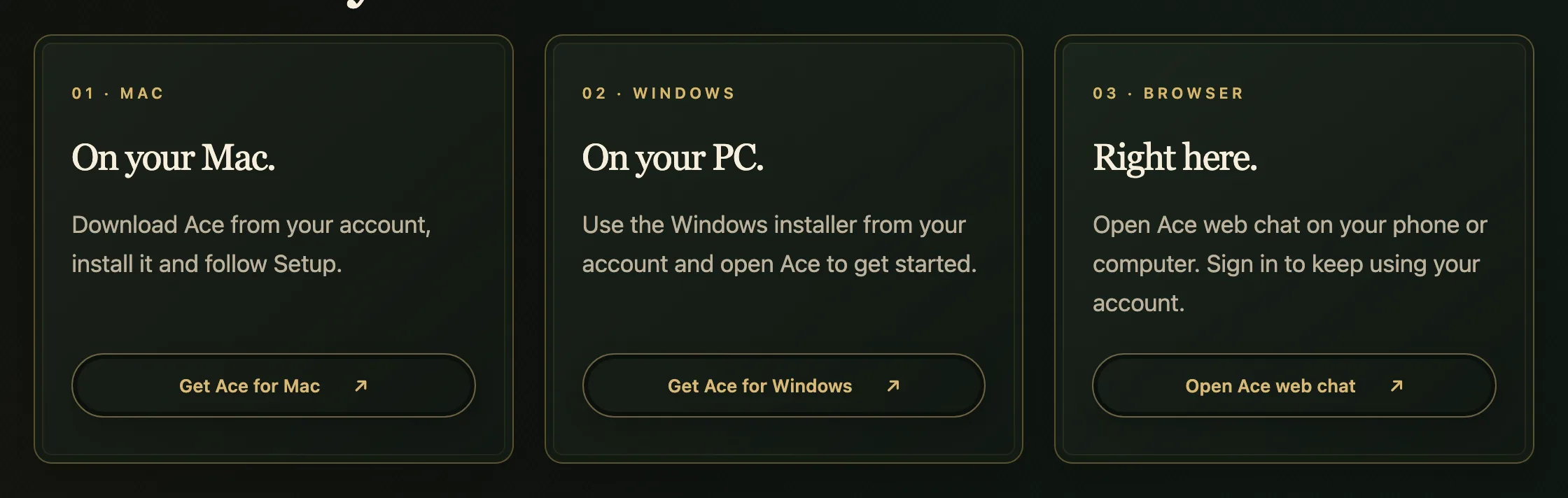
- Start from the maker’s own page: the Microsoft Store for Copilot and ChatGPT, claude.ai/download for Claude, gemini.google/desktop for Gemini, and your own account at tryacee.com for Ace.
- Read a Microsoft Defender SmartScreen warning rather than clicking past it. SmartScreen judges files by reputation, so a genuine new release can be flagged, but a file from a page you did not choose deserves the warning.
- Compare the file fingerprint when the maker publishes one. Ace lists the SHA-256 of each build it offers on its public release record; on October 28, 2026 the Windows build was 2.12.510 Mini, build 510.
A paid plan offered free by a third party is not something the maker sells, and there is no way to check what that installer contains.
Free AI that is already in Windows 11
Before installing anything, check what the PC can already do. Voice typing (Windows key + H) turns speech into text in any text box. Live captions (Windows key + Ctrl + L) caption audio, with the processing done on the device. Snipping Tool can copy the words out of a screenshot. On Copilot+ PCs, Click to Do adds summarize and rewrite actions for text you select. None of these holds a conversation, but they cover dictation, captions and quick text jobs at no cost.
Which free option fits which job
Match the assistant to the work you do most, using what each maker documents:
- Your work runs through Microsoft 365: Copilot is already on the PC, and the Personal, Family and Premium plans add Copilot inside Word, Excel, PowerPoint and Outlook.
- You already use ChatGPT on your phone or the web: the Windows app signs in to the same account, and OpenAI’s Appshots send a screenshot of the app in front of you.
- You want the assistant to use tools on your computer: Claude’s desktop app supports desktop extensions that add local tools.
- Your mail and documents live in a Google Account: Gemini’s Windows app opens on top of any window with Alt + Space.
- You would rather talk than type and want help with what is on screen: Ace listens while you hold Ctrl + Shift, answers out loud, and looks at the screen only when you ask.
How Ace’s free plan works
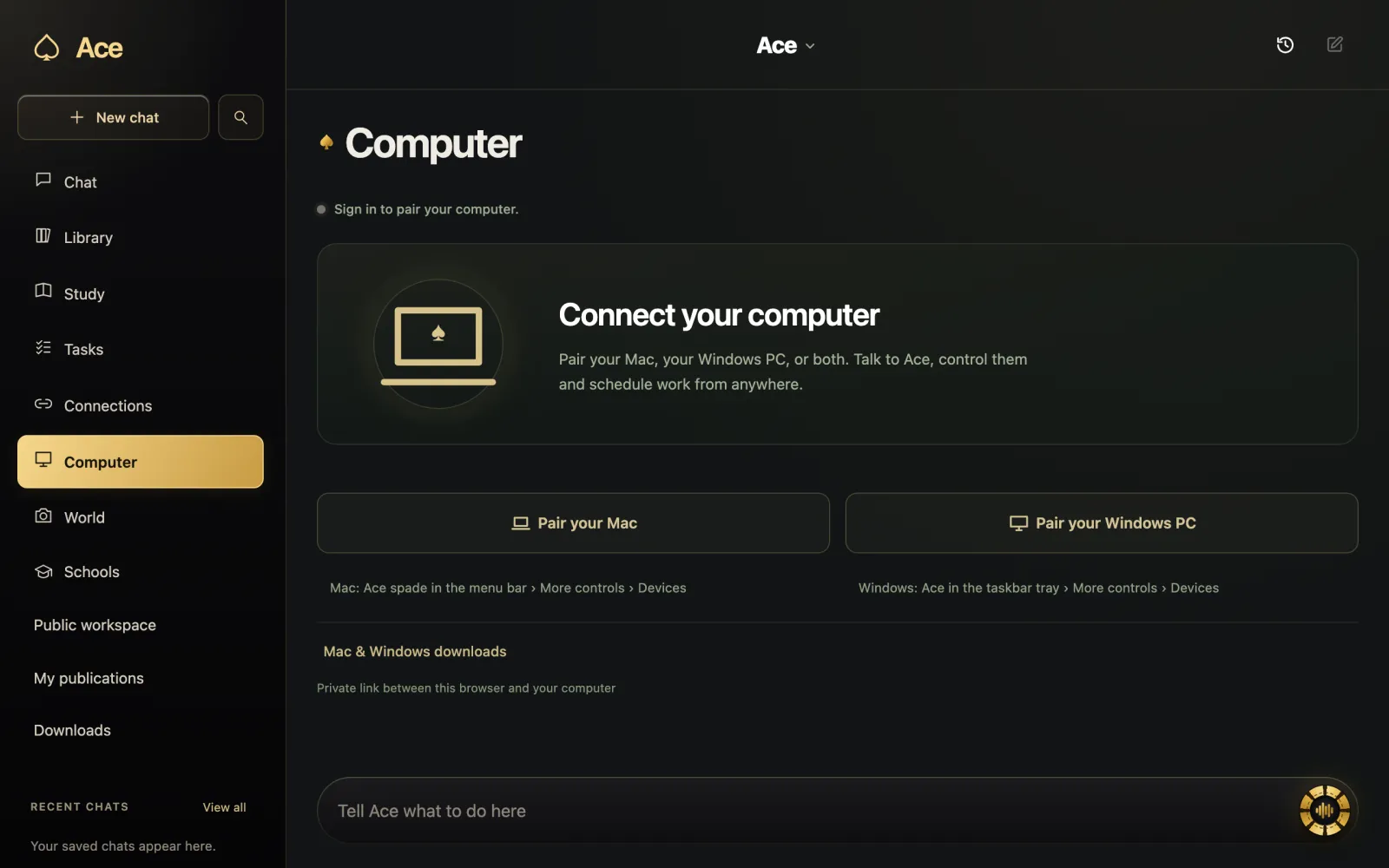
This guide is written by the team that makes Ace, so here is exactly what its free plan includes and nothing more. Free Play starts with 2,000 credits and asks for no card. The credits sit in one balance that works in the Windows app, on your phone and in Ace web chat. Ace’s own AI is built in, so there is no separate AI account to connect.
After installing, hold Ctrl + Shift and talk, or type instead. Ace answers out loud, and it looks at your screen only after you have allowed screen access and asked. Nothing renews by itself: when the credits are gone, you decide whether to top up or subscribe.
Before you rely on a free assistant
Free or paid, every assistant here can be wrong, so check names, numbers and anything you are about to send. Read what each one does with your data: what you type, say or show goes to the company that runs the AI. For work or school files, follow your organization’s list of approved tools.
More from Ace
The full overview of Ace for Windows is on tryacee.com/windows-ai-assistant.
Also asked
Is Copilot free on Windows 11?
Yes. The Copilot app is free on Windows 11, with use subject to capacity and limits. Microsoft 365 Personal ($9.99 a month), Family ($12.99) and Premium ($19.99) raise those limits and add Copilot inside the Office apps.
Can I use ChatGPT on Windows 11 without paying?
Yes. OpenAI says its updated desktop app is available on every ChatGPT plan, including Free. Install it from the Microsoft Store listing linked on OpenAI’s Windows page.
What is the safest place to download a free AI app?
The maker itself: the Microsoft Store, claude.ai/download, gemini.google/desktop or your Ace account. Compare the file’s SHA-256 when the maker publishes one, and skip third-party sites offering paid features for free.
What happens when Ace’s free credits run out?
You choose what comes next: a one-time top-up (Starter, $10 for 5,000 chips) or a monthly plan. Neither starts on its own, and nothing is charged without a purchase.
Is Claude’s desktop app free to use on Windows 11?
Yes, for chat. Anthropic lists chat in the desktop app on the Free plan, and the app installs on Windows 11 and works on a free account. Download it from claude.ai/download; it needs Windows 10 or later. Cowork, Claude’s task feature, is for paid plans only, so the free tier covers conversation but not that task feature.
What do I need to run Gemini’s free Windows app?
Windows 10 or later, 8 GB of memory and a personal Google Account, or a work or school one with Gemini turned on by an administrator. Google’s Windows app, launched on September 10, 2026, comes from gemini.google/desktop and opens over any window with Alt + Space. It works on a free account, but some features need a Google AI subscription, so check which ones matter to you before you settle on it.
Which free AI tools come with Windows 11 besides Copilot?
Voice typing, Live captions and Snipping Tool, at no cost. Windows key + H turns speech into text in any text box, Windows key + Ctrl + L captions audio with the processing done on the device, and Snipping Tool can copy the words out of a screenshot. On Copilot+ PCs, Click to Do adds summarize and rewrite actions. None of these holds a conversation.
How far do Ace’s 2,000 free credits go?
It depends on what you ask. Ace counts use in credits instead of messages, and each request spends some; the amount depends on the request, the model and the service. Voice and images use credits too. Free Play starts with 2,000 credits in one balance, and nothing renews by itself: when the credits are gone, you decide whether to top up or subscribe.
Do I need a card to start Ace for free on Windows 11?
No. Free Play starts with 2,000 credits and asks for no card, and you sign up with Google or your email. It does not automatically become a paid subscription: paid access starts only if you choose and confirm a paid checkout.
Can I use Ace’s free credits on my phone and the web too?
Yes. The credits sit in one balance that works in the Windows app, on your phone and in Ace web chat. Ace’s own AI is built in, so there is no separate AI account to connect, and Ace web chat works in a browser without installing anything.
Should I click past a SmartScreen warning on a free AI installer?
No, read it first. Microsoft Defender SmartScreen judges files by reputation, so a genuine new release can be flagged, but a file from a page you did not choose deserves the warning. Start from the maker’s own page and compare the file fingerprint when the maker publishes one. Ace lists the SHA-256 of each build it offers on its public release record.
What does signing in to Copilot with a Microsoft account add?
Chat history, image creation, longer conversations and voice. Free Copilot gives you chat in the Copilot app, and a personal Microsoft account adds those features. The app is included on new Windows 11 PCs or available from the Microsoft Store, and Microsoft says free use is subject to available capacity and limits.
More questions
Deal yourself in.
More about Ace
Sources
- Copilot Pricing Plans for Individuals | Microsoft Copilot, Microsoft. Checked November 14, 2026.
- The Gemini app for Windows is here, Google. Checked November 14, 2026.
- Install Claude Desktop | Claude Help Center, Anthropic. Checked November 14, 2026.