Alternatives to Copilot on Windows 11
You can keep Copilot and add another assistant, or replace it. ChatGPT, Claude, Gemini and Perplexity have Windows apps tied to their own accounts, and Ace, made by the team behind this guide, is a hold-to-talk assistant that answers out loud. What you give up by leaving Copilot is its place inside Windows itself: the Copilot key, Ask Copilot in Click to Do, and Copilot inside Microsoft 365 apps.

Free Play: 2,000 credits, no card. Ace by Black Label.

What only Copilot does on a Windows PC
Copilot is wired into Windows and Office in ways no other assistant is:
- The Copilot key and Windows key + C open it by default.
- On Copilot+ PCs, Click to Do offers Ask Copilot for whatever you select on screen.
- With Microsoft 365 Personal, Family or Premium, Copilot works inside Word, Excel, PowerPoint and Outlook.
- It can point you to the right page in Windows Settings and search files you allow it to read.
If those matter to you, adding a second assistant usually beats removing Copilot.
How the alternatives differ
This comparison is written by the team that makes Ace; facts about the other products come from their makers’ pages, read on October 28, 2026.
| Alternative | Signs in with | On Windows | Free to start? |
|---|---|---|---|
| ChatGPT | An OpenAI ChatGPT account | Desktop app from the Microsoft Store; Quick chat with Ctrl + Alt + N | Yes; the app works on the Free plan |
| Claude | An Anthropic Claude account | Desktop app for Windows 10 or later | Yes; chat is on the Free plan |
| Gemini | A Google Account | Windows app that opens with Alt + Space | Some features need a Google AI subscription |
| Perplexity | A Perplexity account | Windows app; voice input with Ctrl + Shift + X | Yes; there is a Free plan |
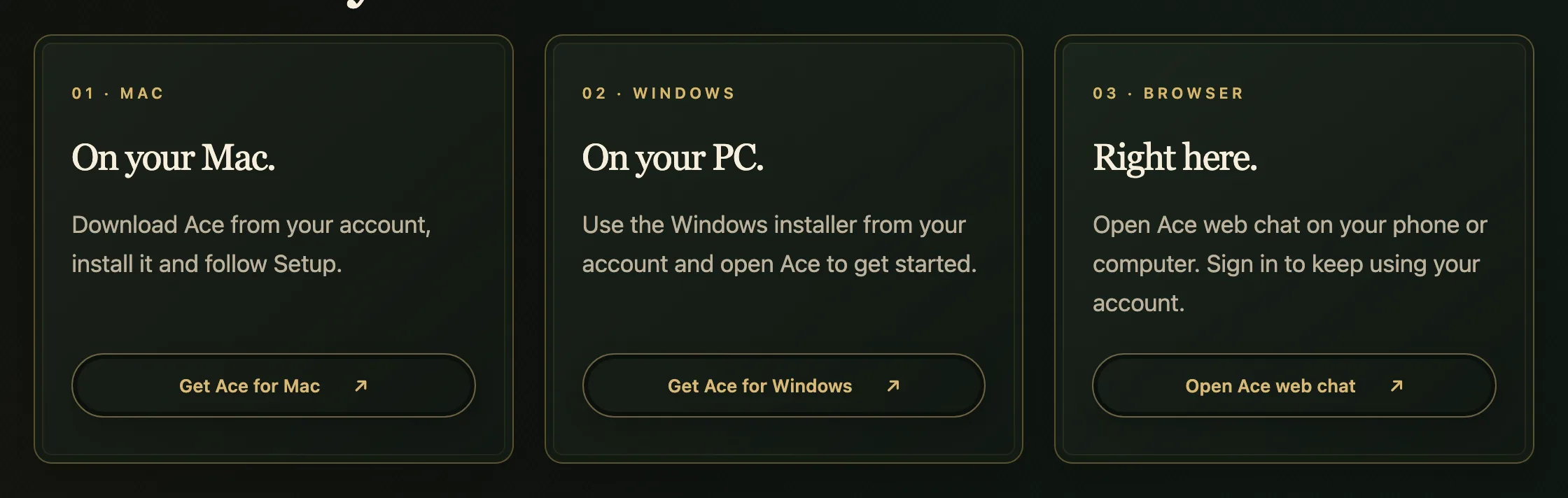
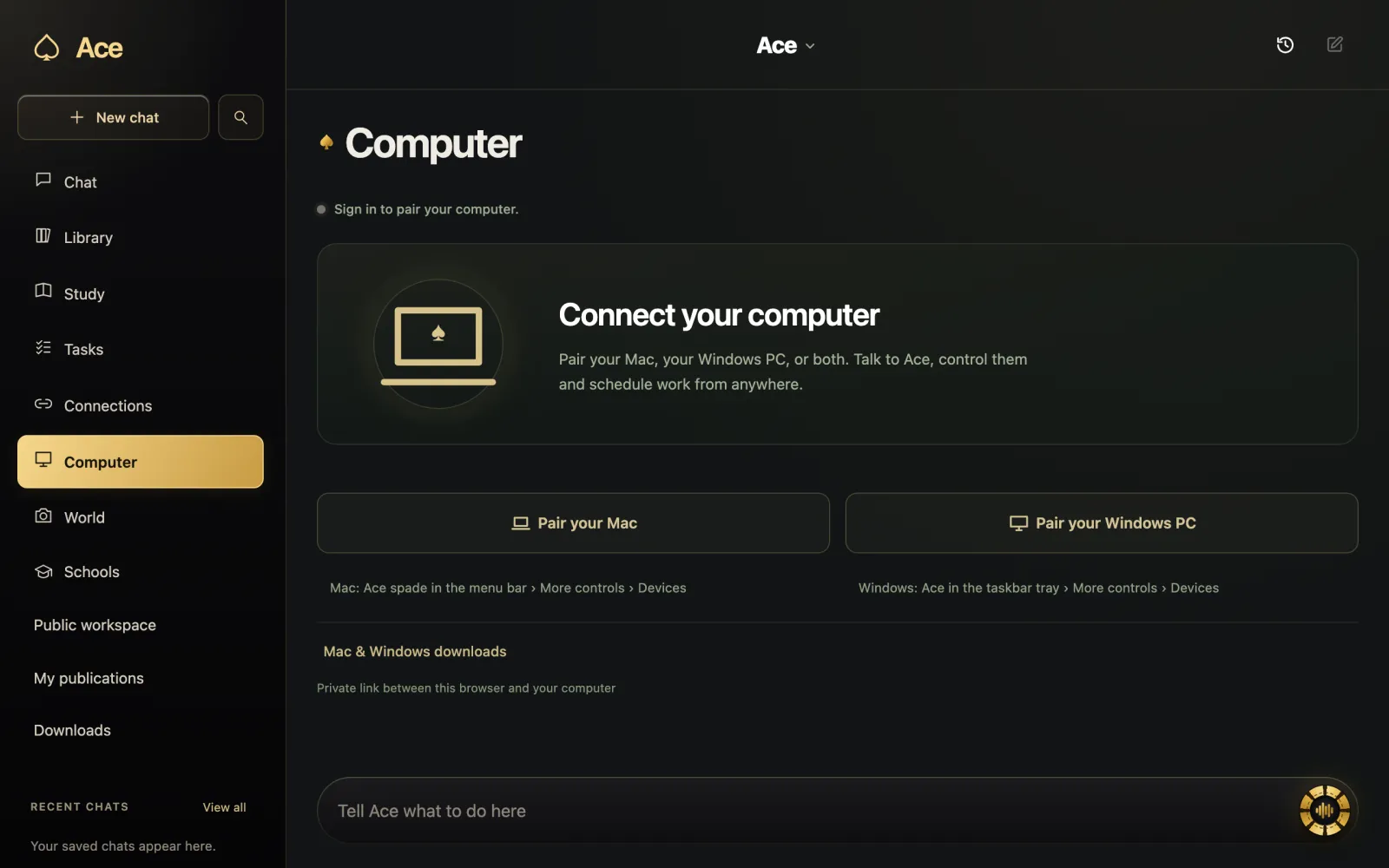
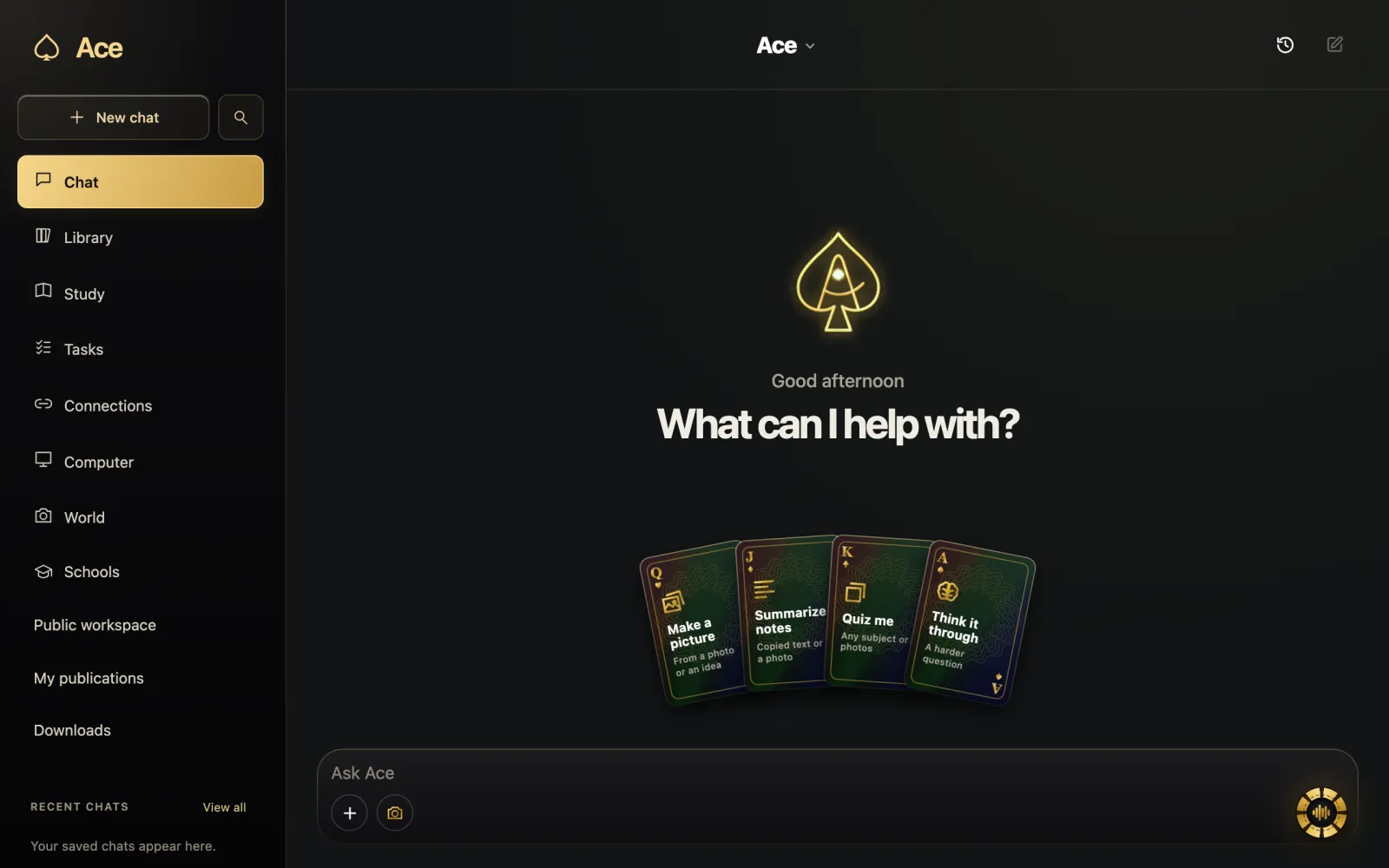
| Ace | An Ace account via Google or an email link | Hold Ctrl + Shift to talk; answers out loud | Yes; 2,000 credits with no card |
Can the Copilot key open a different app?
Sometimes. In Settings > Personalization > Text input, the Customize Copilot key on keyboard setting offers Search, Custom, or the app the key opens now. Custom lists only apps that are packaged and signed as MSIX and registered by their developer as Copilot key providers, so many apps never appear there.
If the app you want isn’t offered, leave the key on Copilot or Search and use that app’s own shortcut instead.
Using an AI subscription you already pay for
If you already pay for ChatGPT, Claude or another service, its own Windows app is the obvious first try, because your history and settings come with you.
Ace offers a second route. On its Table Pass ($20 a month) and Private Table ($75 a month) plans, Ace answers through your own ChatGPT, Claude or Grok subscription, on your computer; hosted AI chips are bought separately. Ace’s other paid plans use its hosted AI and need no outside subscription.
Keeping Copilot and adding another assistant
Nothing stops you from running both. Each assistant listens for its own shortcut:
- Copilot: the Copilot key or Windows key + C.
- ChatGPT: Ctrl + Alt + N for Quick chat.
- Gemini: Alt + Space, which Google’s separate desktop search app also uses.
- Perplexity: Ctrl + Shift + X for voice input.
- Ace: hold Ctrl + Shift.
If two apps claim the same keys, change the shortcut in one app’s settings rather than uninstalling it.
What removing the Copilot app leaves behind
Uninstalling the Copilot app does not remove Copilot everywhere. Copilot inside Word, Excel, PowerPoint and OneNote has its own setting in each app, Microsoft Edge has its own Copilot button, and Click to Do on Copilot+ PCs has its own switch. The Microsoft Store will reinstall the app whenever you want it back, and with the app gone, Microsoft says the Copilot key opens Windows search or lets you pick what it does.
Questions to settle before you switch
- Where will your history live? Copilot lets you delete chats and saved memories; other services have their own controls.
- Does your employer or school allow the new assistant? Work accounts often come with an approved list.
- What will it cost at your usage? Compare message limits, credits or subscriptions against how often you ask.
- Do you want it listening? Wake words, floating bars and press-to-talk keys suit different people.
More from Ace
The full overview of Ace for Windows is on tryacee.com/windows-ai-assistant.
Also asked
Is ChatGPT a good replacement for Copilot on Windows?
For chat, it covers the same ground: OpenAI’s Windows app works on every plan, including Free, and Quick chat opens with Ctrl + Alt + N. It doesn’t take over Copilot’s place in Windows, such as the Copilot key or Copilot inside Microsoft 365 apps.
Can the Copilot key open ChatGPT, Claude or Ace?
Only if the app is MSIX-packaged, signed and registered as a Copilot key provider; otherwise it won’t appear under Custom. Use the app’s own shortcut instead.
Does uninstalling the Copilot app remove Copilot from Word and Excel?
No. With a personal Microsoft account, Word and Excel each have their own Enable Copilot checkbox under File > Options > Copilot.
What happens to my Copilot history if I switch?
Switching apps deletes nothing by itself. If you want it gone, Microsoft lets you delete chats and saved memories in Copilot and erase your history from the Microsoft privacy dashboard.
What do I give up if I stop using Copilot?
Its place inside Windows itself. The Copilot key and Windows key + C open it by default, and on Copilot+ PCs, Click to Do offers Ask Copilot for whatever you select on screen. With Microsoft 365 Personal, Family or Premium, Copilot also works inside Word, Excel, PowerPoint and Outlook.
Where is the setting that changes what the Copilot key does?
In Settings > Personalization > Text input. The Customize Copilot key on keyboard setting offers Search, Custom, or the app the key opens now. If the app you want isn’t offered, leave the key on Copilot or Search and use that app’s own shortcut instead, since Custom lists only apps registered by their developer as Copilot key providers.
What does the Copilot key do after I uninstall the Copilot app?
Microsoft says that with the app gone, the Copilot key opens Windows search or lets you pick what it does. Uninstalling doesn’t remove Copilot everywhere: Microsoft Edge has its own Copilot button, and Click to Do on Copilot+ PCs has its own switch. The Microsoft Store will reinstall the app whenever you want it back.
Which Copilot alternatives can I start for free?
ChatGPT, Claude, Gemini, Perplexity and Ace all have a free way in. OpenAI’s app works on the Free plan, Claude’s chat is on the Free plan, Perplexity has a Free plan, and Ace starts with 2,000 credits and no card. Gemini’s Windows app works on a free personal Google Account, though some of its features need a Google AI subscription.
Can Ace use the ChatGPT or Claude subscription I already pay for?
Yes, on two plans. On Table Pass ($20 a month) and Private Table ($75 a month), Ace answers through your own ChatGPT, Claude or Grok subscription, on your computer; hosted AI chips are bought separately. Ace’s other paid plans use its hosted AI and need no outside subscription. That provider’s own account and data policies apply to those requests.
Do I need approval to use a Copilot alternative for work or school?
Check first. Work accounts often come with an approved list, so find out whether your employer or school allows the new assistant. For work or school files, follow your organization’s list of approved tools, and read what each assistant does with your data: what you type, say or show goes to the company that runs the AI.
Which account does each Copilot alternative sign in with?
Each uses its own. ChatGPT signs in with an OpenAI ChatGPT account, Claude with an Anthropic Claude account, Gemini with a Google Account and Perplexity with a Perplexity account. Ace uses an Ace account via Google or an email link. If you already pay for one service, its own Windows app is the obvious first try, because your history and settings come with you.
Can Ace help in Excel or Outlook if I drop Copilot?
Yes, beside the app rather than inside it. When you allow screen access and ask, Ace looks at that window, whether it is a browser, Excel, Outlook, a PDF or an error dialog. Copilot works differently: with Microsoft 365 Personal, Family or Premium, it works inside Word, Excel, PowerPoint and Outlook.
More questions
Deal yourself in.
More about Ace
Sources
- Updated Windows and Microsoft Copilot Chat experience | Microsoft Learn, Microsoft Learn. Checked November 14, 2026.
- Keyboard shortcuts in Windows | Microsoft Support, Microsoft Support. Checked November 14, 2026.